If you’ve tried to use your phone in Korea, you know about the dreaded verification screens. However, you may not realize how many apps and services you can access once you have your ARC. These are five apps and services that I use regularly that a lot of my friends didn’t know how to use:
1. Kakaopay
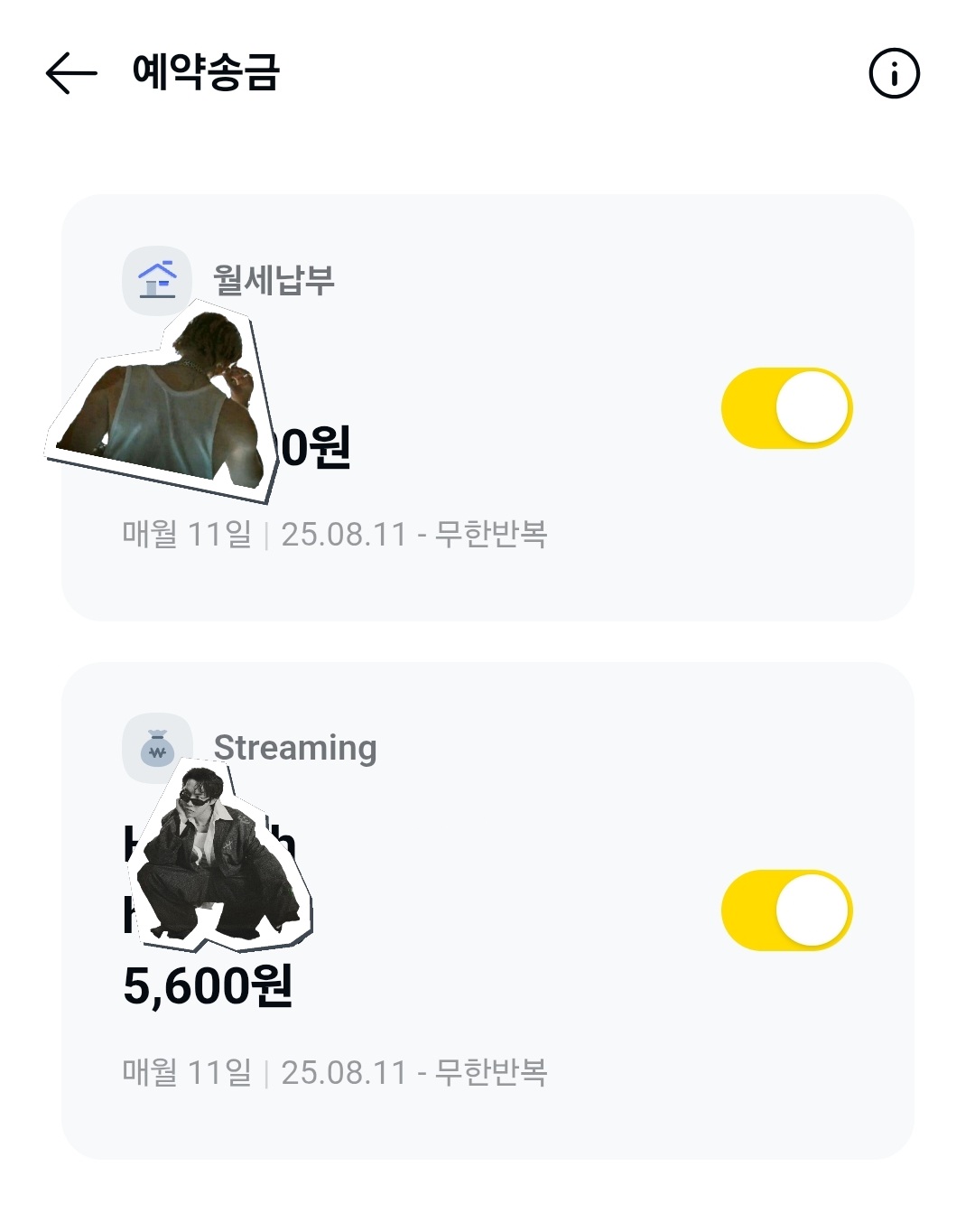
A lot of foreigners know about Kakaopay, but they don’t think it’s worthwhile to go through all of the steps of setting it up. I’m telling you: It’s worth it! With Kakaopay, you can make bank transfers with higher limits and without needing your bank’s security card. You can also set up automatic transfers for your rent, utility bills, or the Netflix account you share with your friend. On your friend’s birthday, buy a gift in the Kakao Shop. You pay and choose an e-card, and your friend inputs their address. Boom! Done!

2. Online Banking
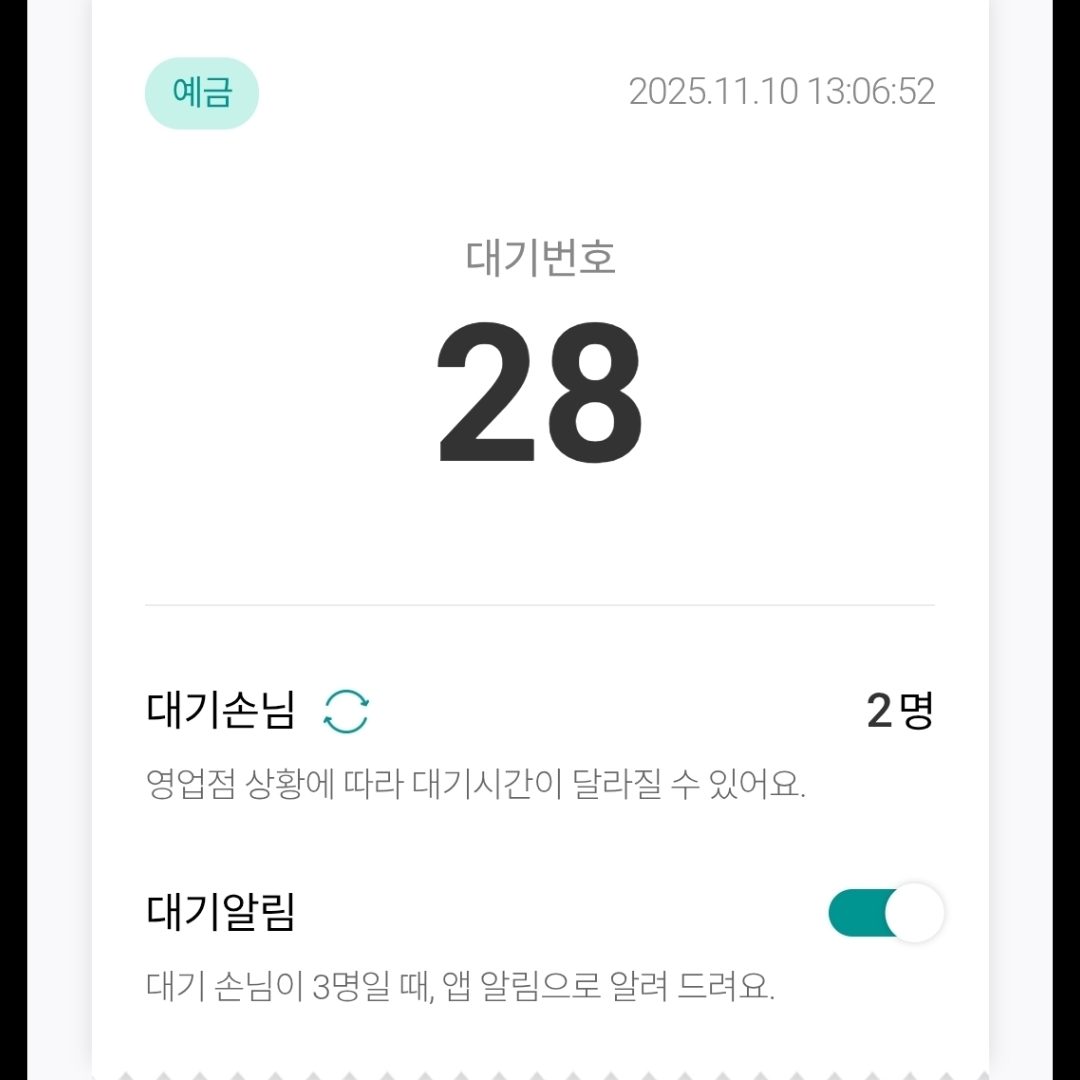
While it can be tempting to download your bank’s English app, the Korean app has more features that can help you save time and a trip to the bank. For example, visiting the bank can be very time consuming when you show up and 10 people are ahead of you in line. In the Korean version of the Hana banking app, you can find the bank you want to visit and pull a number before you get there. Skip the lines! Also, you can close accounts in your app without needing to visit the bank.
3. Hometax
If you stay in Korea long enough, you will eventually need tax documents, but going to the tax office can be pretty inconvenient. A lot of the documents you need can be downloaded from the Hometax website or app. For example, if you’re changing jobs, applying for the F2 visa, or starting a company, you can download your income tax document or register your company online without visiting the tax office at all! I’ve lived in Korea for four years and never been once.
4. Samsung Wallet
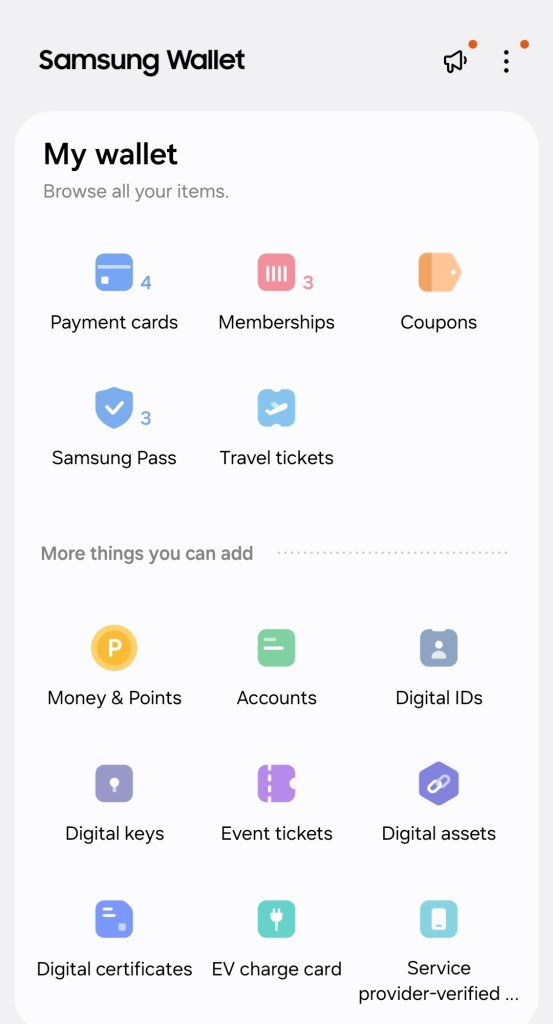
You can use your Samsung Wallet for a lot of things, besides just paying the dinner bill. If your ARC or Korean driver’s license has the IC card option, you can add it to your Samsung Wallet. It makes it easier to do things like buying drinks where you need to show ID but don’t want to dig out your wallet. You can also connect it to the TMoney service and your Korean credit card to pay for buses, subways, and some taxis by swiping your phone across the NFC reader. (This may apply to Apple Pay as well, but I have a Samsung and can’t say for sure.)
5. Toss App
Toss is most popular for making online payments, but it has a few other features to help you manage your money, collect points, and add an extra thousand won here and there. My favorite feature is where Toss shows your spending for each day in a calendar and calculates your total assets across all of your checking, credit, and savings accounts.

 DubuAmi
Leave a comment